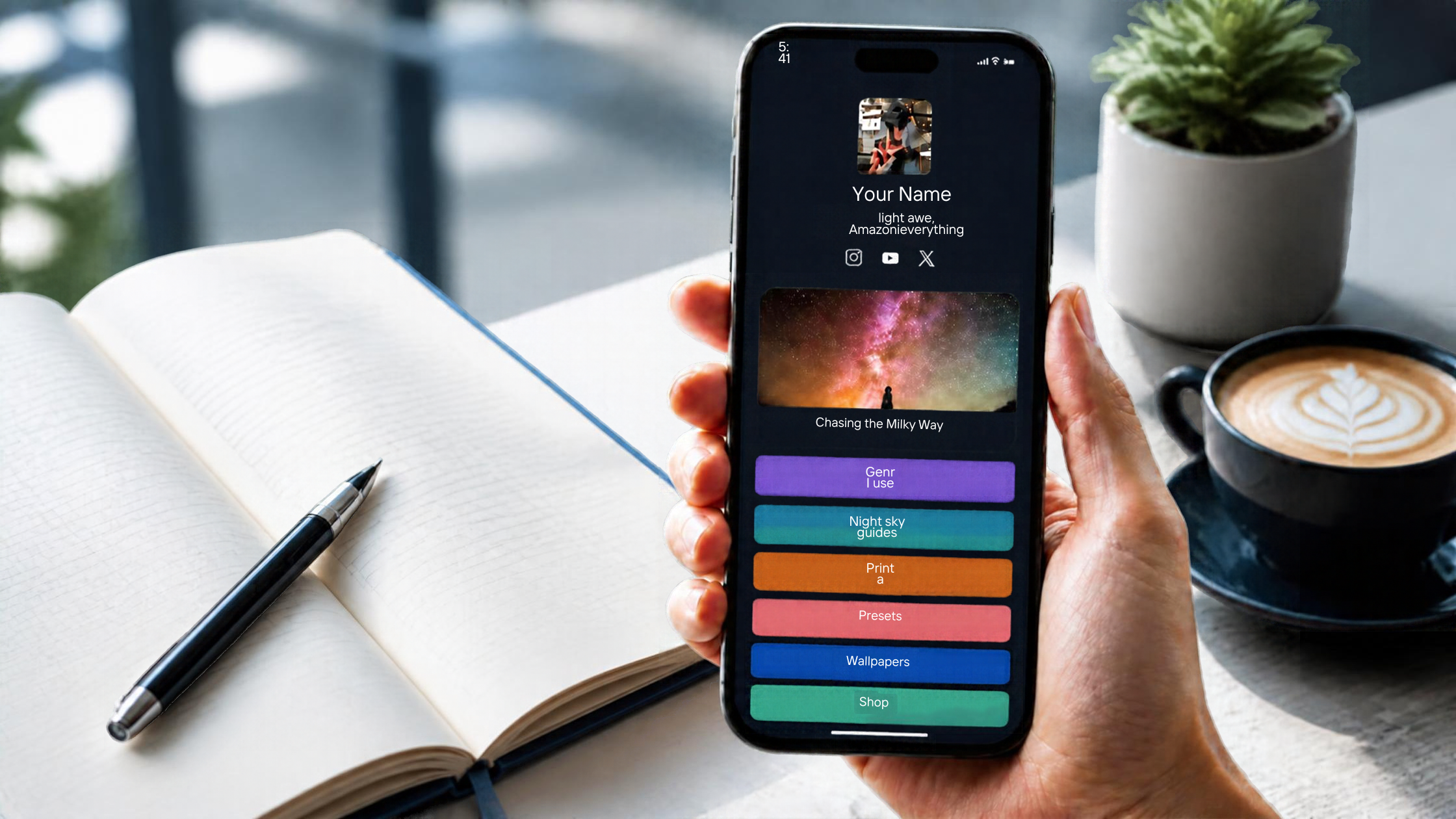
You post consistently, your followers like and share, and then comes the question every creator and business owner eventually asks: where do all those people go next? On most social platforms, the answer is a single clickable spot in your profile. A well-built link-in-bio page turns that one spot into a mini storefront that can capture leads, show your offers, and send followers to the right place in a couple of taps.
Without one, most followers simply scroll on. Posts are built for attention, not for action, and a profile link that points to a busy homepage or a single product leaves too many people unsure what to do. Followers who are interested but undecided rarely come back later to search for you.
This guide walks through what to put on your page, how to set it up step by step, and how to bring followers to it so they actually click and buy. Whether you are still deciding what to use, just starting out, or already running a page on Vonza, you will find changes you can make today.
Why Every Business Needs a Link in Bio Page
Social platforms are designed to keep people inside the app. That is good for them and awkward for you, because the places where you can send people to a website or shop are limited. Many accounts have one main link, or a short list in which only the first is visible at a glance. Whatever the exact rules on a given platform today, the principle is the same: you have very little space to point followers toward a sale.
A single link also has to serve everyone. A new follower might want to learn who you are, a returning customer might want to book, and someone who just saw your latest post might want that one product. If your link goes to one fixed destination, you lose most of them. A landing page gives each person a clear route to what they came for.
There is a business case beyond convenience. Your page is the one place on social media you fully control. You choose what it says, what it offers, and what you learn from it. It can collect email addresses so you are not dependent on an algorithm to reach people again, and it lets you change your message the same day without editing your profile. For many small businesses, it is the bridge between being followed and being paid.
What a High-Converting Link in Bio Page Includes
The best pages are simple. Visitors arrive from a phone, usually in a hurry, so clarity beats creativity. A strong page contains:
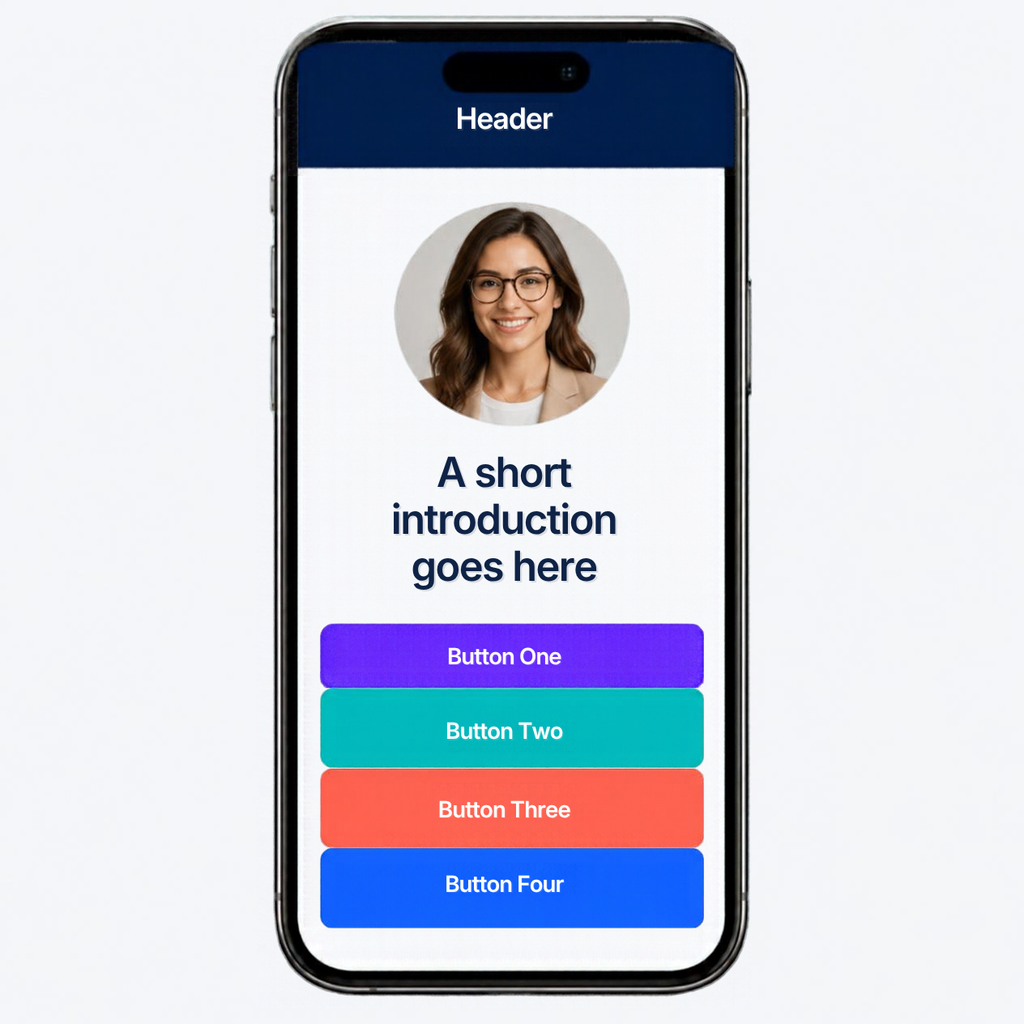
- A clear headline and short introduction: one or two lines on who you help and what you offer, so a new visitor understands immediately.
- One primary call to action: the one thing you most want visitors to do right now, such as book a call, buy a product, or join your list, placed at the top.
- A few key links: your main offers, such as a course, product, service, or booking page, limited to the handful that matter most.
- A way to join your email list: a short sign-up form that gives you a way to follow up with people who are not ready to buy.
- Proof: a short testimonial, a result, or the name of someone you have worked with, so visitors trust you quickly.
- Your brand: your logo, colors and photo, so the page feels like a natural extension of your profile.
- Contact and social links: an easy way to reach you, placed lower down so it does not compete with the main action.
Notice what is missing: a long list of every link you have ever shared. A page with fifteen buttons asks visitors to make fifteen decisions, and most will make none. Fewer, clearer choices almost always perform better.
How to Set Up a Link in Bio Page in 8 Steps
These eight steps take you from a blank screen to a live page. You can finish the first version in an afternoon, then improve it as you learn what your followers click.
1. Decide on one goal
Before choosing any buttons, decide what the page is for. Are you trying to grow your email list, sell a product, fill your calendar, or promote a course? Pick one main goal for the next month. That goal decides what goes at the top and what gets left out. You can change it later, and many businesses update their main goal each season or campaign.
2. Choose a few links, not all of them
List everything you might include, then cut it down to three to six links. Rank them by how much each one helps the business. Put the link that supports your main goal first, then your best-selling offer, then supporting links such as your latest content or contact details. Visitors tend to act on what they see first, so order matters.
3. Write a clear headline and introduction
Visitors should know who you are and what to do within a few seconds. Write one line that says who you help and how, for example, “Helping freelance designers land retainer clients.” Follow it with a short invitation to act. Use plain language, avoid jargon, and write the way you would speak to a customer in person.
4. Add a way to capture emails
Followers who are not ready to buy today are still valuable. Offer something useful in exchange for an email address, such as a checklist, template, or short guide, and add a simple form for people to sign up. Having their email lets you stay in touch on your own terms, rather than hoping they see your next post.
5. Link to your offers
Connect each button to the exact page where the visitor can act, not to a general homepage. A button for your course should open the course page, a booking button should open your calendar, and a product button should open that product. If you sell several items, a simple online store works well, online appointment scheduling suits service providers, and an online course page works for teachers. Every extra click between the button and the purchase costs you customers.
6. Design for phones and speed
Most people will open your page on a phone, so design for a small screen first: large buttons, readable text, and plenty of spacing. Speed matters as well. Google research shared through Think with Google found that 53 percent of mobile visits are abandoned when a page takes longer than three seconds to load. Keep images small, avoid heavy videos at the top, and test the page on mobile data, not just on Wi-Fi.
7. Add it to your profiles and make it easy to find
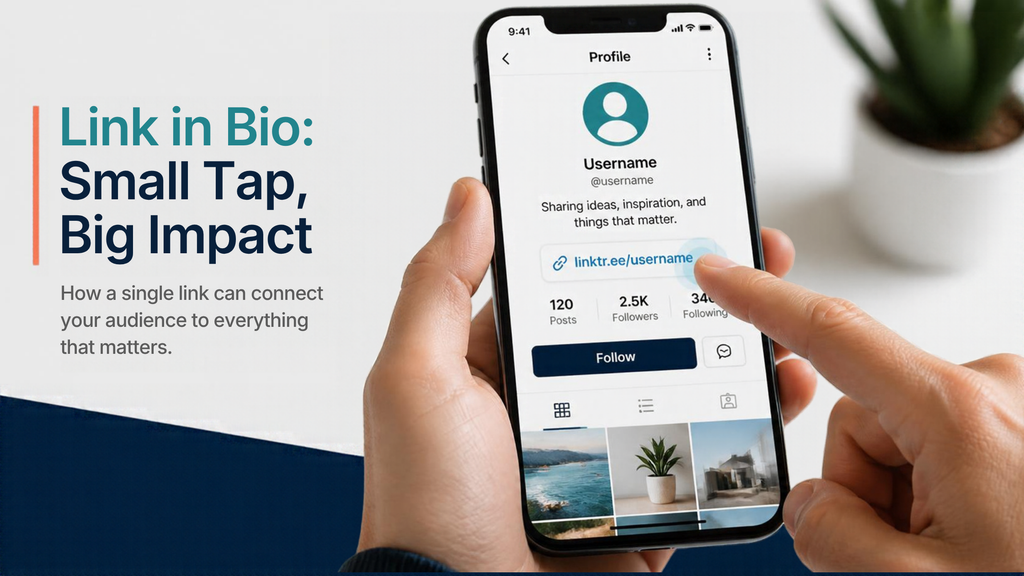
A link in bio page only works if people can find it. Add the link to every profile you run, and mention it in your bio with a short call to action such as “Book a call or grab the free guide below.” Platforms change their link rules from time to time, so check the current options in each app. Adding a tracking tag to each link, such as the platform name, shows you which profile sends the most visitors.
8. Track results and improve
Check your page once a week. Look at which buttons get clicks, which get ignored, and how many visitors sign up or buy. Then change one thing at a time: reorder the buttons, rewrite a headline, or replace an offer. Small tests add up quickly because every future visitor sees the improved page. Treat the first version as a draft, since your followers will tell you what works through what they click.
How to Get Followers to Click and Buy
A good page still needs visitors. The most effective approach is to point to it often and give people a reason to tap.
Mention it in your posts, captions, and stories with a specific invitation rather than a generic “link in bio.” For example, “Grab the free checklist, link in my bio” gives a reason to click. Feature your best-performing posts, and match the top button of your page to whatever you are promoting this week. When a post talks about a product, the first thing a follower should see after tapping is that product.
Use your page to start relationships, not only sales. Followers who join your email list can receive a welcome message and follow-ups through email marketing, which brings many of them back later without extra posting. Reply to comments and messages quickly, too. A friendly response often does more to move someone from follower to customer than another promotional post.
Common Link in Bio Mistakes
Most underperforming pages share a few problems. Check yours against this list:
- Too many links: a crowded page makes decisions harder, so visitors leave without choosing.
- An unclear first link: the top button should match your main goal right now.
- Sending people to a homepage: visitors should land on the exact page that matches the button they tapped.
- A slow or hard-to-read design: small text and heavy images lose phone visitors quickly.
- Outdated links: an expired offer or broken button erodes trust.
- No way to follow up: without an email sign-up, every visitor who leaves is gone for good.
None of these takes long to fix, and most can be solved in one sitting.
Link in Bio With Vonza: For Prospects, New Users and Existing Customers
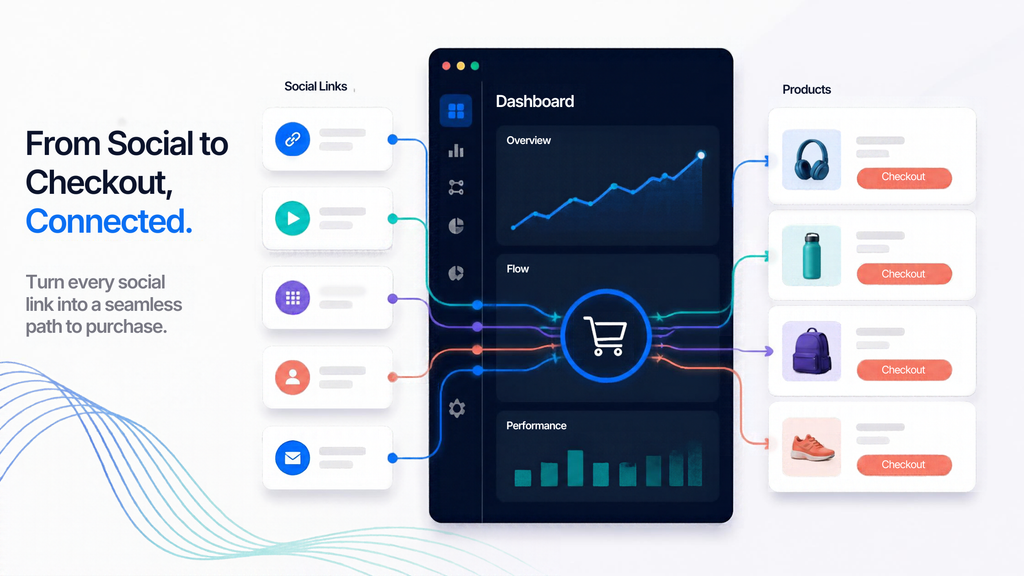
Setting up a link in bio page is much easier when it connects to the rest of your business. With Vonza’s link in bio tool, your page can sit alongside your website, forms, store, courses, bookings and email, so a follower can go from your profile to a purchase without leaving your own system.
- If you are still comparing options: ask what happens after the click. A stand-alone link tool sends visitors somewhere else, and you then need other apps for sign-ups, payments, and follow-up. An all-in-one platform keeps your contacts, sales, and email in one place, which means you can see which followers become customers. You can see how the pieces fit on the Vonza Dashboard.
- If you are new to Vonza: start with one goal and three links. Build your page with your logo and a short headline, add your best offer, then add a sign-up form so you can follow up with new visitors. If an offer needs more explaining, send it to its own landing page instead of crowding the first screen, and when you are ready to grow, expand into a full website.
- If you already use Vonza: revisit your page this week. Does the top button match your current goal? Are the offers up to date? Add a campaign link for your next launch, and make sure new subscribers from your page receive a welcome email. Small updates keep returning followers engaged.

Start Building Your Link in Bio Page Today
Your followers have already shown interest by following you. The next step is to make it easy for them to act. Start small with one goal, a few clear links, an email sign-up, and a design that works on a phone, then review and improve each week.
When you are ready, get started on Vonza and turn your profile into a place where followers become customers.