
Most businesses know they should be sending more email, and most are too busy to do it. That is exactly where email automation ideas pay off. Instead of writing and sending every message by hand, you set a message up once and let it go out at the right moment, every time, to the right person.
The best automated emails do not feel automated. They arrive when someone has just signed up, just bought, just booked a call, or quietly stopped opening your messages. In each case, the reader is in a moment where a helpful, well-timed email is welcome. Done properly, these emails work in the background while you focus on running the business.
This guide covers ten automations worth setting up, grouped by where your customer is: new subscribers and leads, buyers, and people who have gone quiet. Whether you are still deciding on a platform, just getting started, or already using Vonza, you will find ideas you can put in place this week.
Why Email Automation Is Worth Setting Up
Email is one of the few channels you fully own. Your list does not change when a social platform adjusts its algorithm, and a message sent to someone who asked to hear from you has a much better chance of being read than a post in a crowded feed. The problem is time. Writing, scheduling, and sending messages by hand means email is the first thing to slip when the week gets busy.
The strongest case for these email automation ideas is consistency. An automated email goes out the same way on the busiest day of the year as it does on a quiet Tuesday. A new subscriber hears from you within minutes, not three days later. A customer who bought last week gets a useful follow-up even though you are on a call with someone else. Over months, that reliability builds trust, and trust is what turns readers into buyers.
Good automation has three qualities:
- Relevance: the message matches what the person just did.
- Timeliness: it arrives while the action is fresh.
- Clarity: it respects the reader’s time and gets straight to the point.
Keep those three in mind as you work through the list, and remember that automation should still sound like a person wrote it, because one did. Make sure replies go to an inbox you actually check.
Part 1: Email Automation Ideas for New Subscribers and Leads
People who have just joined your list are the most interested they will ever be. These first three automations make the most of that moment.
1. A welcome email series
A new subscriber is at peak interest, so this is your best chance to make an impression. Send the first email immediately: thank them, deliver whatever you promised, and say what to expect. Follow it with two or three emails over the next week that introduce your story, share your most useful content, and point to a clear next step, such as a booking or a first purchase. Keep each one short and written in your own voice. Because every person who joins receives the same sequence, it is the most worthwhile automation to build first.
2. Lead magnet delivery and follow-up
If you offer a guide, checklist, or template in exchange for an email address, the delivery email should arrive the moment they sign up. Then follow up a couple of days later: ask whether they found it useful and suggest the next logical step. A simple form on a landing page can capture the sign-up, and the follow-up turns a one-time download into a conversation. Someone who has already taken something helpful from you is far more likely to listen to what comes next.
3. Booking confirmations and reminders
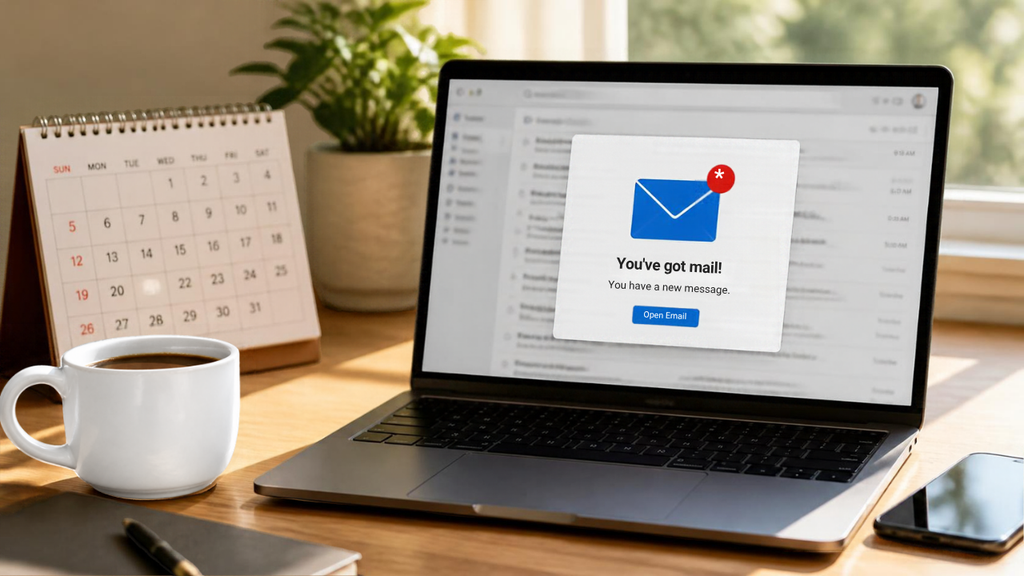
Anyone who books a call, class, or consultation should receive a confirmation straight away and a reminder shortly before. Include the date, time, location or link, and anything they need to prepare. A reminder the day before reduces no-shows far more reliably than hoping people remember. After the appointment, add a short thank-you with a clear next step. When your calendar runs through online appointment scheduling, these messages can follow each booking without extra work from you.
Part 2: Email Automation Ideas for Turning Buyers Into Repeat Customers
A first purchase is the start of the relationship, not the end of it. The next four automations help new buyers feel confident and give you a natural reason to stay in touch.
4. Purchase confirmation and onboarding
A buyer’s first question after paying is whether it worked, so send a confirmation immediately with what they bought, what happens next, and how to get help. For digital products or services, follow with a short onboarding message showing how to get a first result quickly. The faster a customer sees value, the less likely they are to regret the purchase and the more likely they are to buy again. It is also a good moment to share your support contact, so questions reach you early instead of arriving later as complaints.
5. An abandoned cart reminder
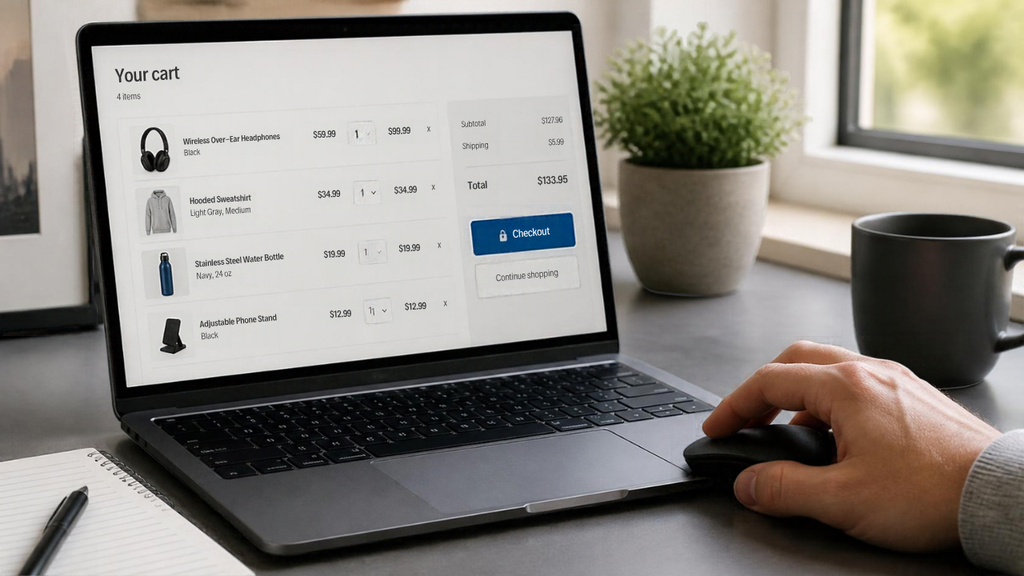
Not everyone who adds something to a cart completes the purchase. The Baymard Institute, which has gathered dozens of studies on the subject, puts the average online cart abandonment rate at roughly 70 percent. Many of those shoppers were only browsing, but some were interrupted or had a question, and a gentle reminder can bring them back. Send the first email within a few hours, show the item they left, answer a likely concern such as shipping or returns, and make it easy to return to checkout. A second message the next day is usually enough. This is one of the most valuable automations for any online store.
6. A review or testimonial request
A few days after delivery or completion, ask for feedback while the experience is fresh. Keep it to one question or one click if you can, and explain how the feedback helps. Happy customers often agree to a testimonial when they are asked directly, and testimonials strengthen your sales pages. If someone is unhappy, the same email gives you a chance to fix the problem privately before it turns into a public review.
7. A cross-sell follow-up
After a purchase, recommend what logically comes next. Someone who bought a beginner course may need the advanced one, and a customer who bought a product may want an accessory or a refill. Wait long enough for them to use what they bought, usually a week or two, then send a short message suggesting one relevant option. Resist listing everything you sell. One well-chosen recommendation feels like advice, while a full catalog feels like a sales pitch.
Part 3: Email Automation Ideas to Keep Customers Coming Back
Even good customers drift. The last three automations keep your business in mind and bring quiet people back into the conversation.
8. Birthday and milestone emails
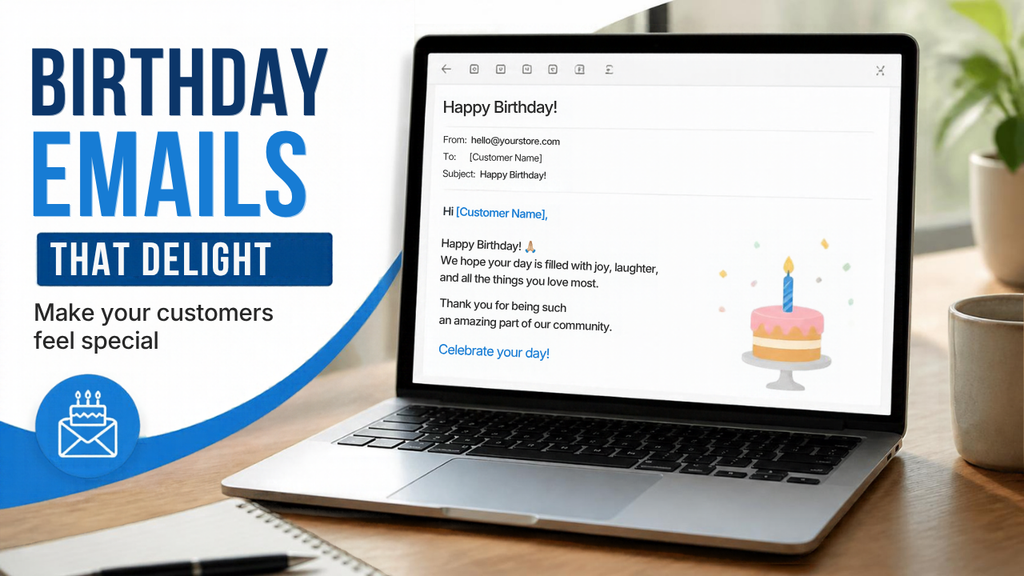
Personal moments are an easy way to be remembered. A birthday message with a small gift or discount, or a note marking a customer’s first year with you, takes a few minutes to set up and then runs on its own. Collect the date with a simple field on your sign-up form, and keep the tone warm rather than promotional. These emails cost little and often earn replies, which is a healthy sign that your messages are wanted.
9. A re-engagement sequence for inactive subscribers
Over time, some people stop opening your emails. Rather than keep sending into silence, set up a short sequence for subscribers who have not engaged in 60 to 90 days. The first email can ask whether they still want to hear from you and offer a way to choose what they receive. A second can share your best piece of content. If they still do not respond, remove them. A smaller, engaged list performs better than a large, silent one, and it keeps your sending healthy.
10. A win-back message for lapsed customers
Customers who have not bought in a while are not lost, but they rarely return on their own. Choose a sensible window for your business, such as 90 days without a purchase, and trigger a message that acknowledges the gap, reminds them what they liked, and gives them a reason to come back. A small incentive can help, but sometimes news of something new or an honest note saying you miss them is enough. A simple CRM helps you see who has gone quiet in the first place.
How to Set Up Your First Automation
Ten ideas can feel like a lot. You do not need to build them all at once. Pick the one that fixes your biggest gap and follow these steps.
- Decide on the trigger: the action that starts the email, such as a sign-up, a purchase, a booking, or a period of inactivity.
- Write one to three emails: keep a single purpose for each, use a clear subject line, keep the message short, and include one call to action.
- Set the timing: immediate for confirmations and welcomes, a few days for follow-ups, and longer gaps for win-backs.
- Test it: send the sequence to yourself, click every link, and read it on your phone before turning it live.
Finally, review it monthly. Look at how many people open the emails, how many click, how many reply, and how many unsubscribe. A small improvement to one subject line or one call to action can lift results for every person who goes through the sequence afterward, which is the real benefit of automation: your effort keeps paying off.
Email Automation With Vonza: For Prospects, New Users and Existing Customers
Putting these email automation ideas into practice is much easier when your email tool is connected to the rest of your business. Instead of stitching together separate apps for sign-ups, bookings, sales, and email, you can run them from one place with Vonza.
- If you are still comparing platforms, ask whether the tool captures sign-ups, tracks customers, and sends emails from the same place. If those pieces live in separate apps, you spend hours connecting them and fixing what breaks. An all-in-one platform keeps your contacts, forms, bookings, store, and email together, which makes automations easier to build and easier to trust. You can explore how the pieces fit together on the Vonza homepage.
- If you are new to Vonza, start with the welcome series. Build a landing page with a sign-up form, write a three-email welcome sequence in email marketing, then send a test to yourself to see exactly what your subscribers will receive. Once that is working, add booking reminders and a purchase follow-up.
- If you already use Vonza: audit what you currently send. Most businesses have a welcome email, but nothing for inactive subscribers or lapsed customers, and those are often the quickest wins. Look through your contacts for people who have gone quiet, then build the re-engagement and win-back sequences from this list.

Start With One of These Email Automation Ideas Today
You do not need all ten to see results. Choose the one that matches where you lose the most attention right now, build it once, check it each month, and let it work for you. Each automation you add takes a task off your plate and puts a better experience in front of your customers.
Ready to put them to work? Get started on Vonza and set up your first automated email today.